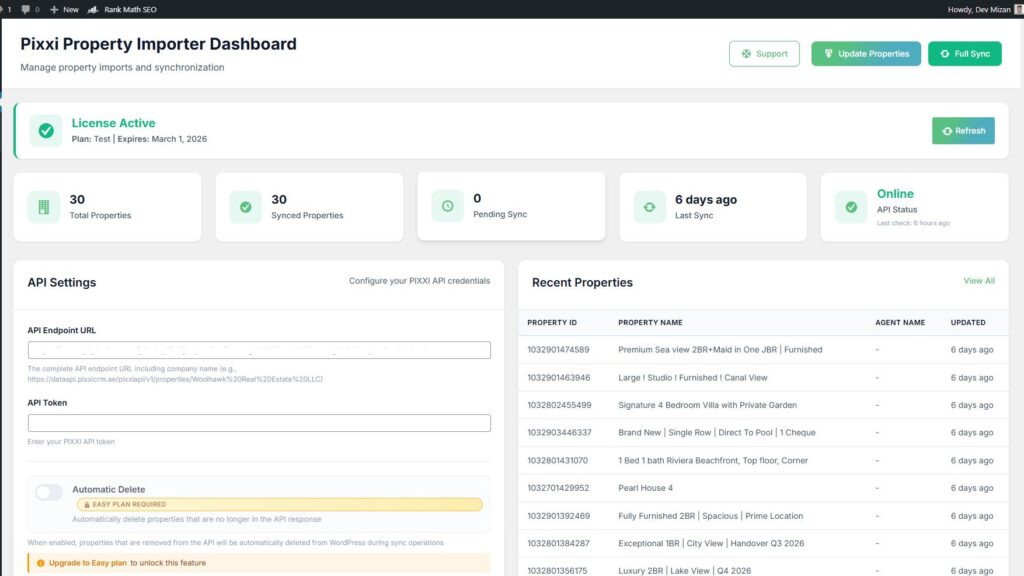
If you’re using Pixxi CRM to manage your real estate listings and running your website on WordPress with the Houzez theme, you no longer need to manually copy property details ever again.With Pixxi Property Importer, you can automatically sync properties, agents, images, locations, and more — directly from Pixxi CRM into your WordPress site with intelligent, real-time automation.
This isn’t just a basic importer. It’s a fully automated property synchronization system built specifically for Houzez.
Why Use Pixxi Property Importer Instead of Manual Uploads?
Managing listings manually wastes hours every week and increases the risk of outdated or incorrect property information online.
- Automatically importing new properties
- Updating existing listings when changes are made in Pixxi
- Syncing agents, media, and location data
- Running background updates on a schedule you control
Your website stays accurate. Your time stays free.
What Makes Pixxi Property Importer Different?
Unlike generic import tools, this plugin is purpose-built for the Houzez theme, meaning there’s no complicated setup, no messy data mismatches, and no unreliable workarounds.
Direct Pixxi CRM API Integration
Securely connect your website to Pixxi using your API credentials and start pulling property data instantly.
Automatic Agent Creation
Agents from Pixxi are automatically created in WordPress with profile photos, contact details, and linked properties.
Advanced Media Import
Property photos, videos, floor plans, and 360° tours are automatically downloaded and attached to listings in your WordPress media library.
Real-Time & Scheduled Sync
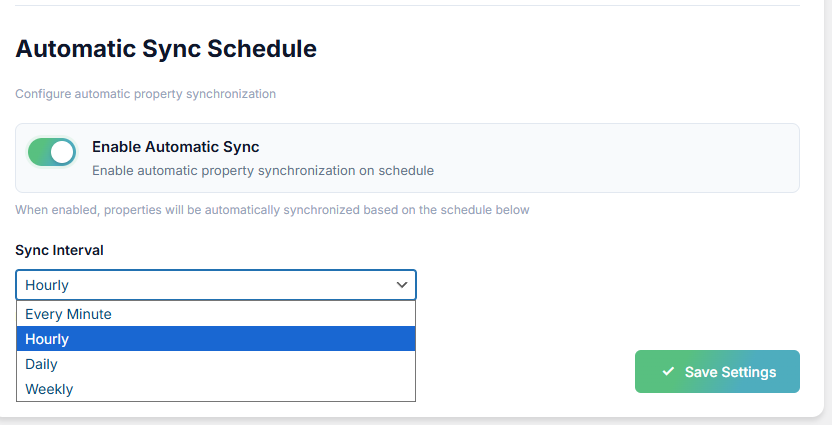
Choose how often your listings update — every 5 minutes, hourly, daily, or weekly.
Automatic Property Cleanup
When a property is removed from Pixxi, the plugin can automatically remove or update it on your website.
How to Import Properties from Pixxi CRM to WordPress
Step 1 — Install the Plugin
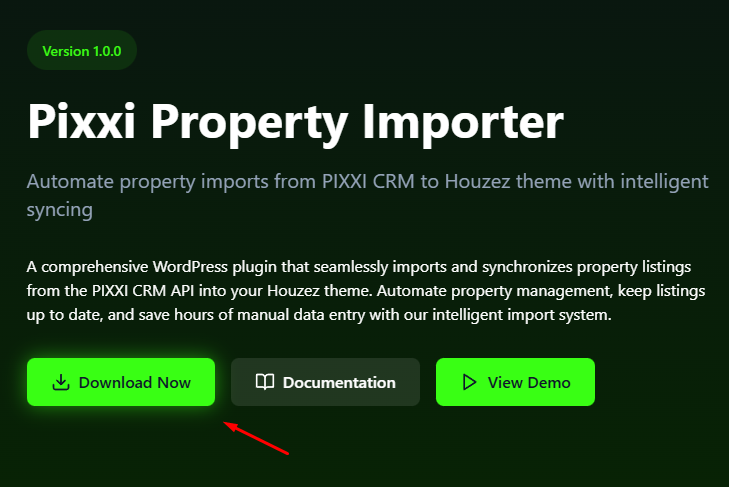
Upload and activate Pixxi Property Importer on your WordPress site using the Houzez theme.
Step 2 — Enter Your Pixxi API Details
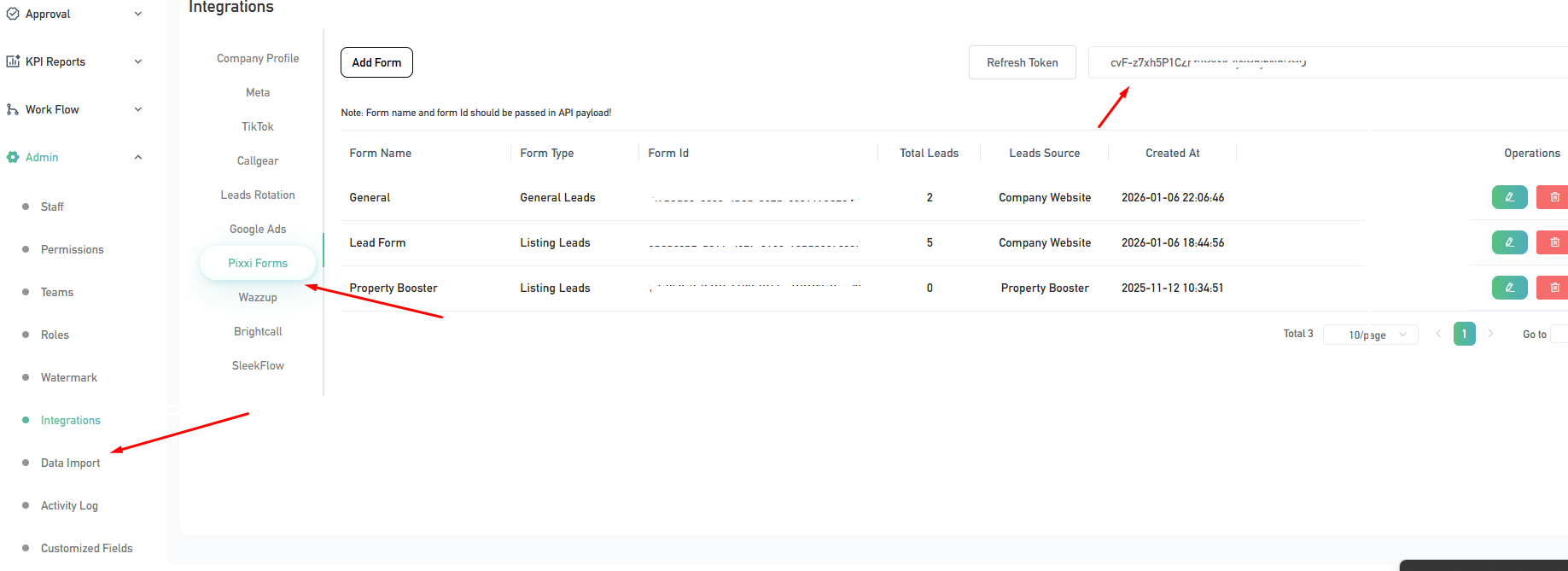
Add your Pixxi CRM API credentials in the plugin settings to establish a secure connection.
https://dataapi.pixxicrm.ae/pixxiapi/v1/properties/company name
add get API key from Admin > Integrtion > Pixxi Forms > Refresh Token
Step 3 — Put Your
Put your API endpoint URL and API token here in the and save changes

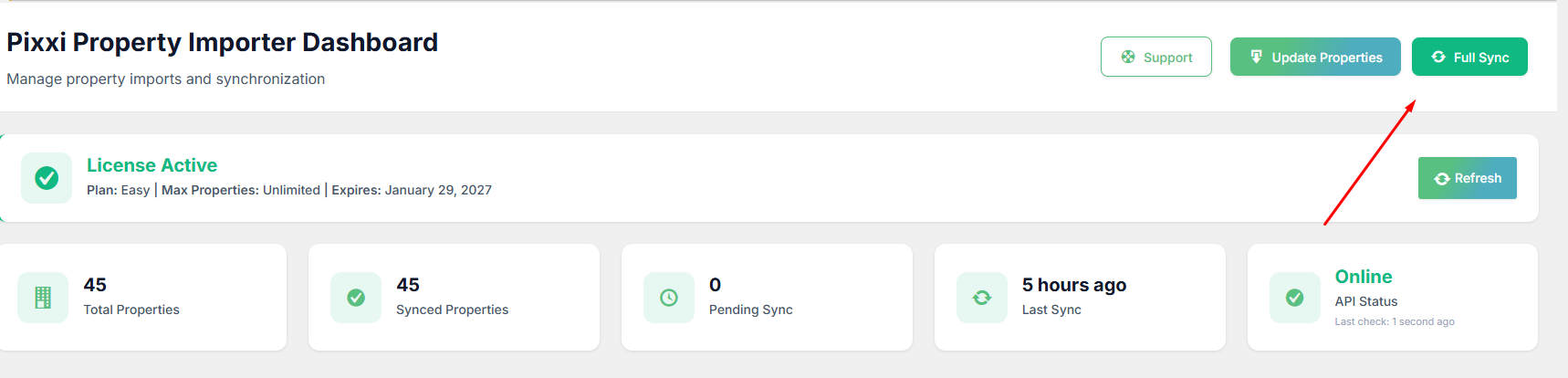
Step 4 — Run Your First Import
Start your first import and watch properties appear on your site in real time.
Step 5 — Enable Auto Sync
Turn on scheduled syncing so your listings update automatically in the background.
Step 5 — Enable Auto Delete
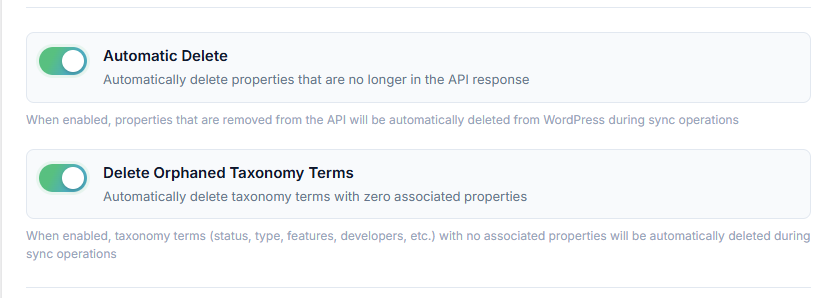
To keep your website perfectly aligned with your Pixxi CRM data, enable Automatic Sync and Cleanup.
When scheduled sync is active, the plugin doesn’t just add and update properties — it also keeps your database clean and accurate.
With Automatic Property Deletion enabled, any property that is no longer returned by the Pixxi API (for example, sold or removed listings) will be automatically deleted from your WordPress website during sync.
Built for Agencies That Want to Scale
This plugin is ideal for agencies managing large property inventories who want a fully automated, hands-off property sync system.
Save Time. Reduce Errors. Close More Deals.
Your website should help you sell — not create more admin work.
Start syncing your Pixxi CRM properties to WordPress today and turn your website into a fully automated property marketing machine.