EV drivers want to know where to charge, how fast and how much it costs. The best EV charging network websites answer those questions instantly and make it easy for businesses to host chargers too. This post showcases 9 of the best EV charging website design examples for 2027, with screenshots, what each site does well, and practical tips you can use on your own website.
These examples show how charging networks balance driver tools with business and fleet services.
Table of Contents
What Makes a Great EV Charging Website?
- Charger map. Find locations, speeds and availability.
- Clear pricing. Per-kWh prices and membership plans.
- App promotion. Download links for charging apps.
- Business solutions. Host chargers, fleet and workplace charging.
- Network credibility. Coverage, reliability and partners.
- Simple driver guides. How to charge, connectors and payment.
1. Fastned
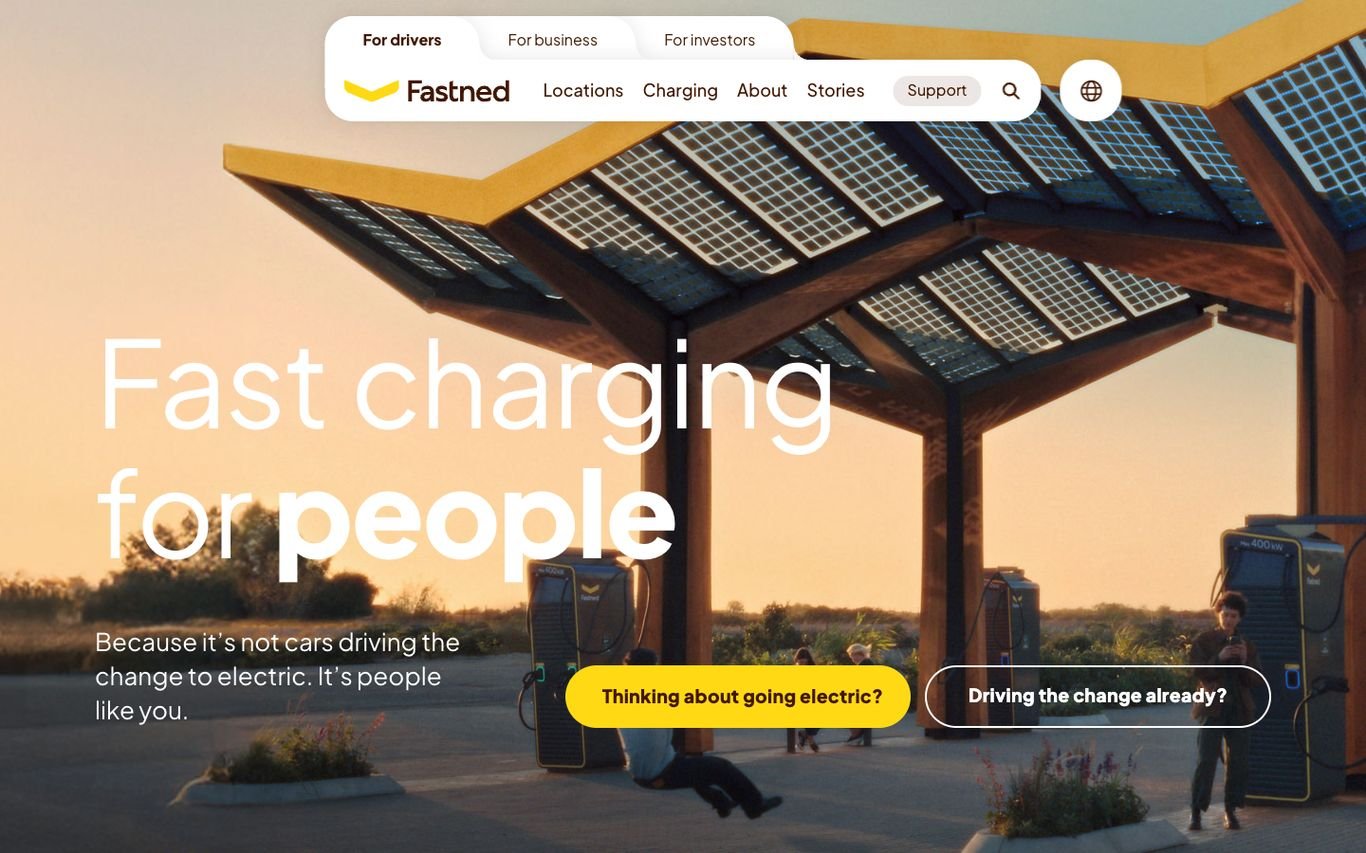
Fastned shows one of its solar-roofed stations at sunset with “Fast charging for people” and two buttons that segment visitors by where they are: “Thinking about going electric?” and “Driving the change already?” Tabs separate drivers, businesses, and investors.
What to borrow: Segment visitors by their stage, not just by audience type.
2. GRIDSERVE
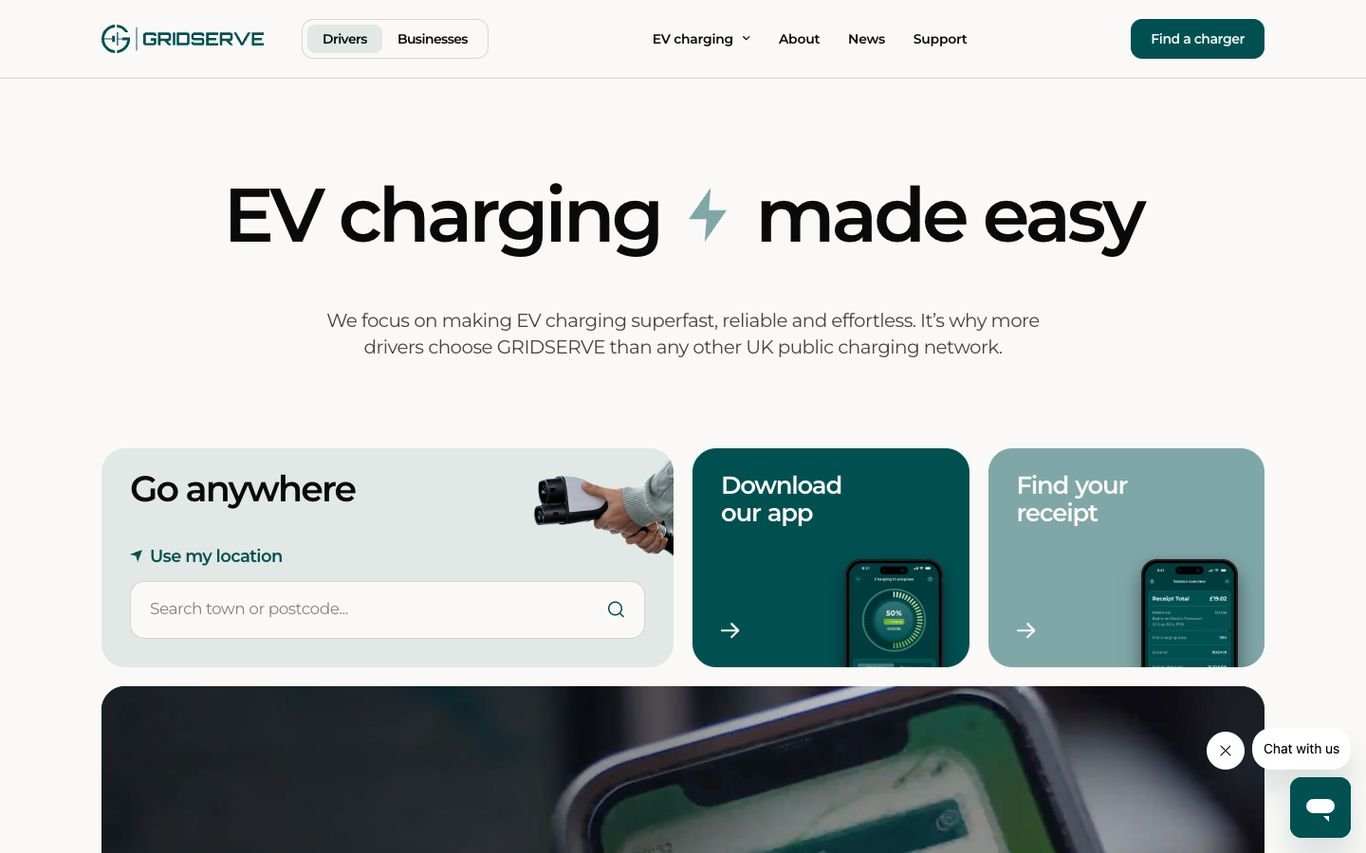
GRIDSERVE pairs “EV charging made easy” with three cards: find a charger by location, download the app, or find a receipt. Tabs switch between drivers and businesses.
What to borrow: A card for finding past receipts, a common driver task.
3. Osprey Charging

Osprey makes its price the headline, an off-peak rate per kWh available through its app, over a photo of a driver at one of its chargers. Navigation covers the charging network, advice, landlords and partners, receipts, and a map.
What to borrow: Lead with a clear, specific price.
4. Evie Networks
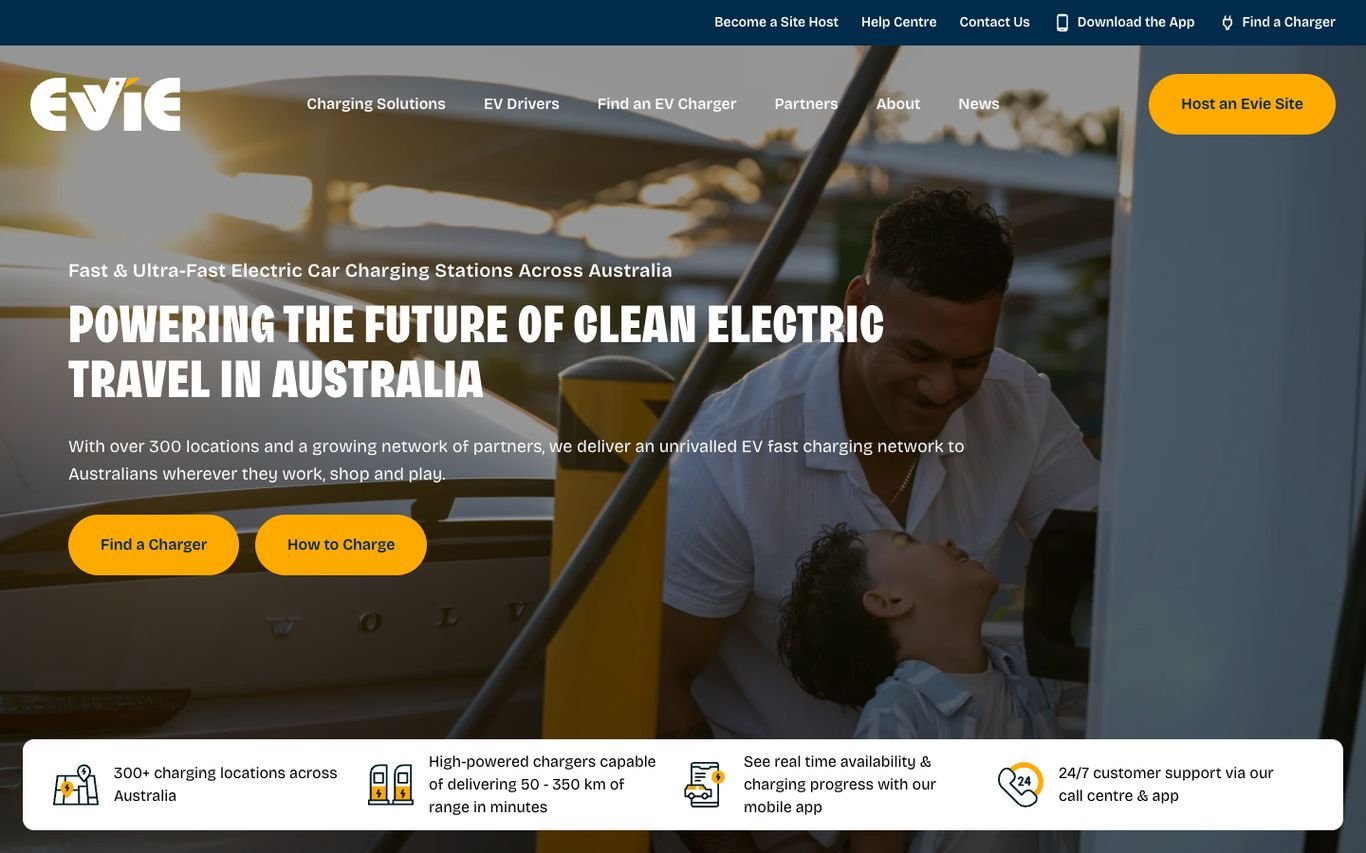
Evie promises to power clean electric travel in Australia, with Find a Charger and How to Charge buttons, and a trust strip covering its locations, charging speed, real-time availability in the app, and 24/7 support. A Host an Evie Site button targets landowners.
What to borrow: A dedicated button for businesses that want to host chargers.
5. Allego
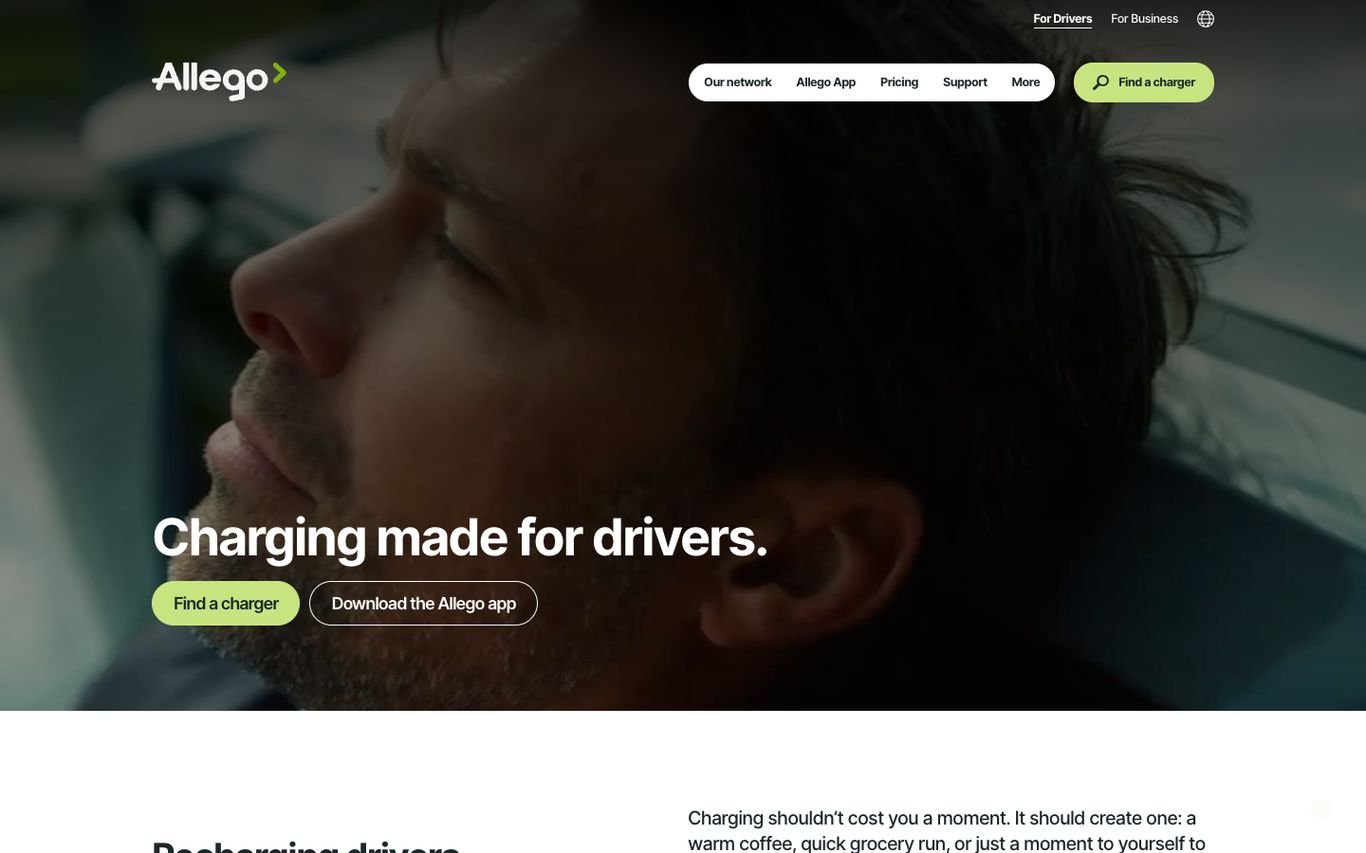
Allego shows a relaxed driver with “Charging made for drivers” and buttons to find a charger or download the app, followed by a line about charging becoming a moment for yourself. A toggle separates drivers and businesses.
What to borrow: Reframe charging time as a positive moment.
6. Pod Point

Pod Point states “EV charging you can trust” and offers two ways to get a home charger: buy outright or subscribe monthly. Review and award badges sit underneath, with Order Now and an installer hub in the header.
What to borrow: Offer buy and subscribe prices side by side.
7. bp pulse
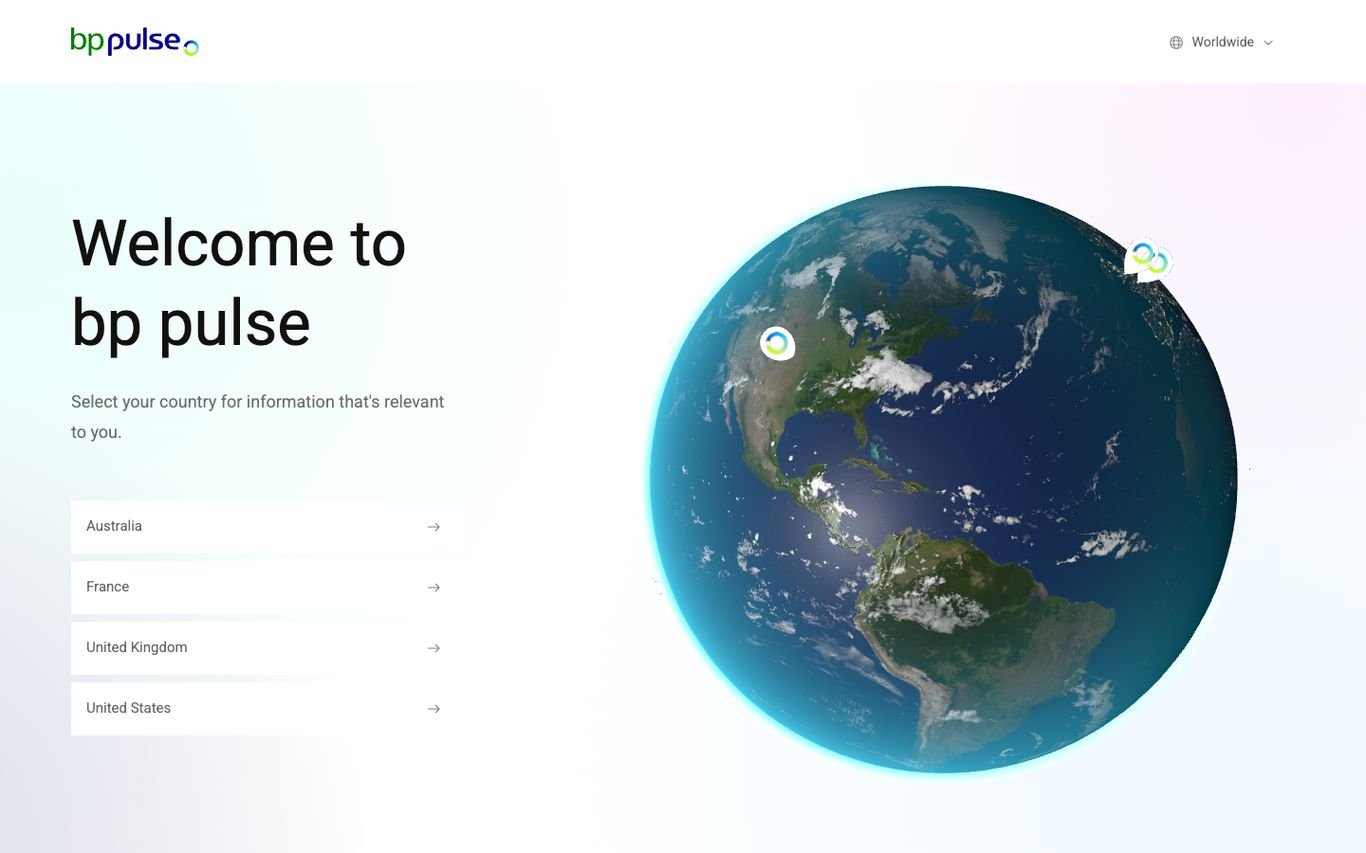
bp pulse’s global homepage welcomes visitors with a 3D globe and a simple list of countries to choose from, routing each visitor to the right local site.
What to borrow: A clean global gateway for a multi-country network.
8. ChargePoint
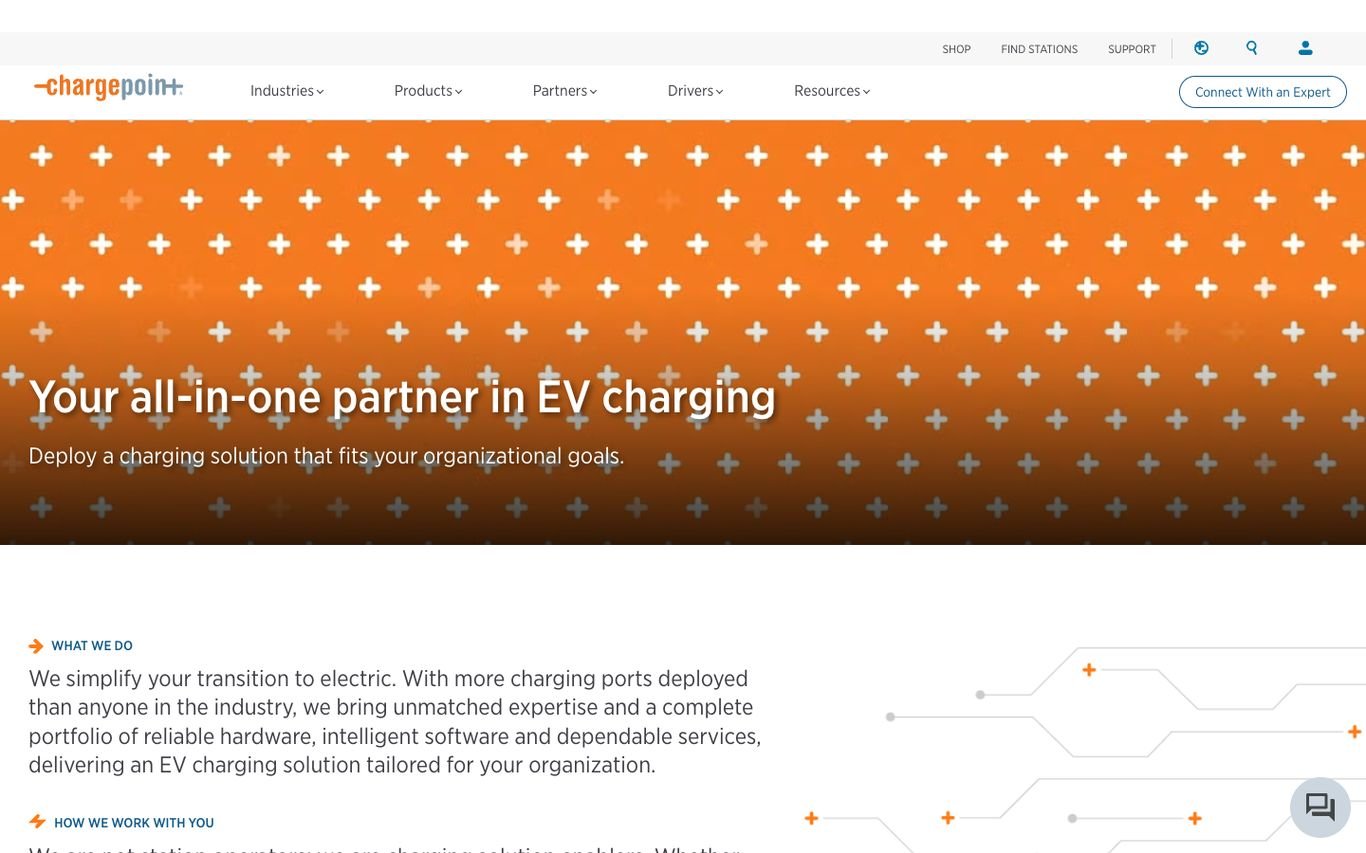
ChargePoint uses its orange brand pattern with “Your all-in-one partner in EV charging,” aimed at organisations deploying chargers, plus a Connect with an Expert button. Navigation covers industries, products, partners, and drivers.
What to borrow: Speak to business buyers with an expert consultation.
9. Electrify America
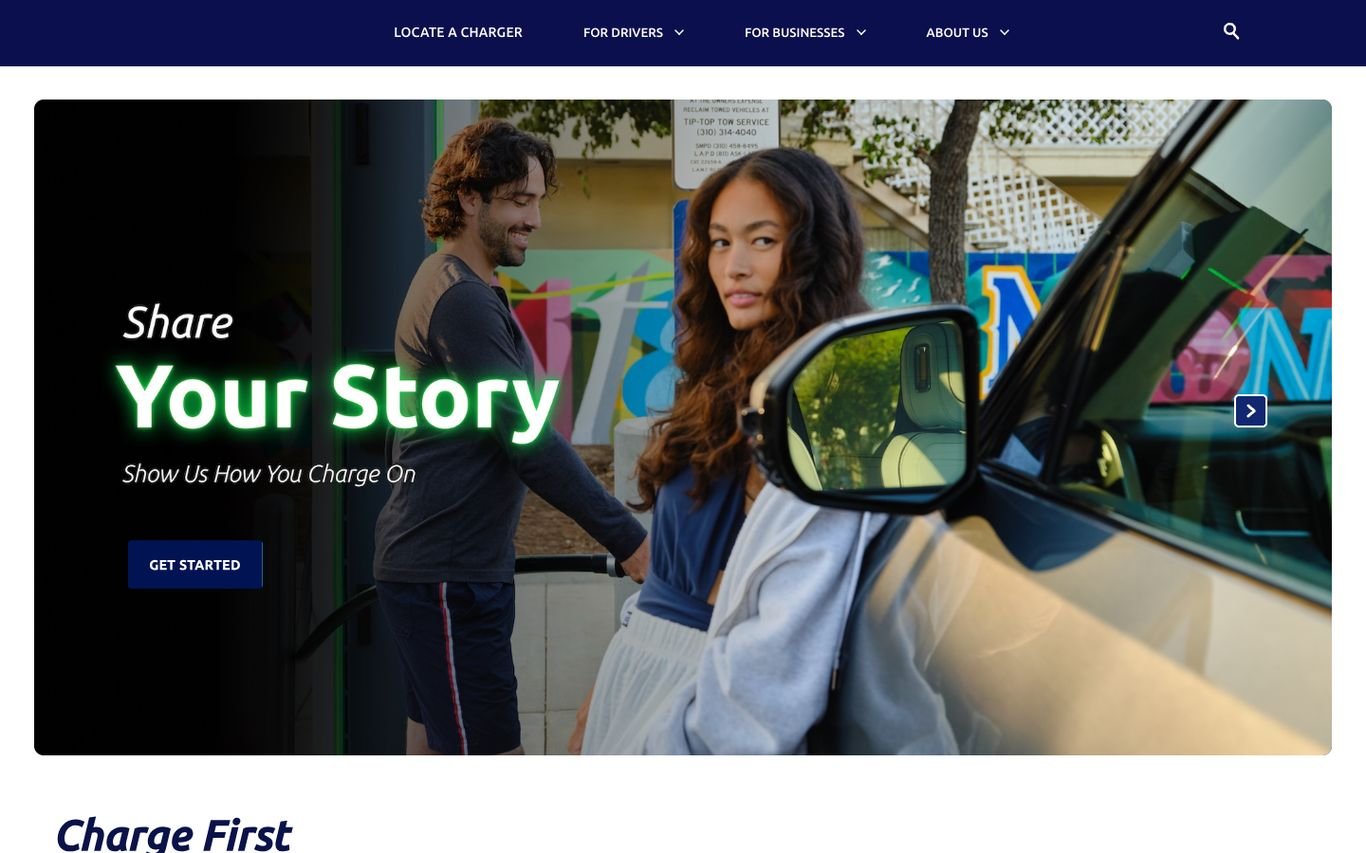
Electrify America invites drivers to share their charging stories in a campaign hero, with links to locate a charger and separate sections for drivers and businesses.
What to borrow: User stories that build community around the network.
Quick Comparison
| Website | Market | Standout Feature | Our Rating |
|---|---|---|---|
| Fastned | Europe | Buttons by stage of EV ownership | |
| GRIDSERVE | UK | Three task cards for drivers | |
| Osprey Charging | UK | Price-led headline | |
| Evie Networks | Australia | Trust strip and site-host button | |
| Allego | Europe | Driver-first emotional angle | |
| Pod Point | UK | Buy or subscribe options for home chargers | |
| bp pulse | Global | Country selector with a 3D globe | |
| ChargePoint | US / Global | Business-focused positioning | |
| Electrify America | US | Community storytelling campaign |
Design Tips for Your EV Charging Website
1. Put the Map First
Drivers come to find a charger, so make the map one click away.
2. Be Transparent About Price
Show prices per kWh and membership savings clearly.
3. Serve Businesses Separately
Host, fleet and workplace charging need their own path and lead forms.
4. Explain Charging Simply
Connector types, speeds and payment options confuse new drivers.
5. Show Reliability
Uptime, coverage and partner logos build confidence.
Frequently Asked Questions
What should an EV charging website include?
A charger map, pricing, app links, business solutions, and simple guides for drivers.
How do charging networks generate business leads?
With dedicated pages and forms for property owners, fleets and workplaces.
Can WordPress display a charger map?
Yes, through map plugins or by embedding your network’s live map.
Conclusion
The best EV charging website design combines trust, clarity and an obvious next step. Help drivers charge with confidence and give businesses a clear way to partner with you. Use these 9 examples as inspiration and adapt the patterns that fit your business.
For more inspiration, see our best real estate website designs and best solar company website designs.
Dev Mizan designs and builds fast, conversion-focused WordPress websites for growing businesses, with lead forms connected to your CRM. Get in touch to plan your new website, or message us on WhatsApp.
Want more inspiration? Browse all website design examples by industry →